 Haven
Haven
Haven
Haven
Free to download · A$19.99 one-time unlock for full access · no subscription
Haven is a wealth tracker and financial independence planner. It puts every account, asset and currency into one honest number and answers one question: how close are you to being financially independent? And when your finances do cross borders — superannuation in one country, stocks in another, two financial years that don't line up — it handles that too. No bank linking, ever.


Now on iPhone, iPad, and Mac — one purchase covers all three.
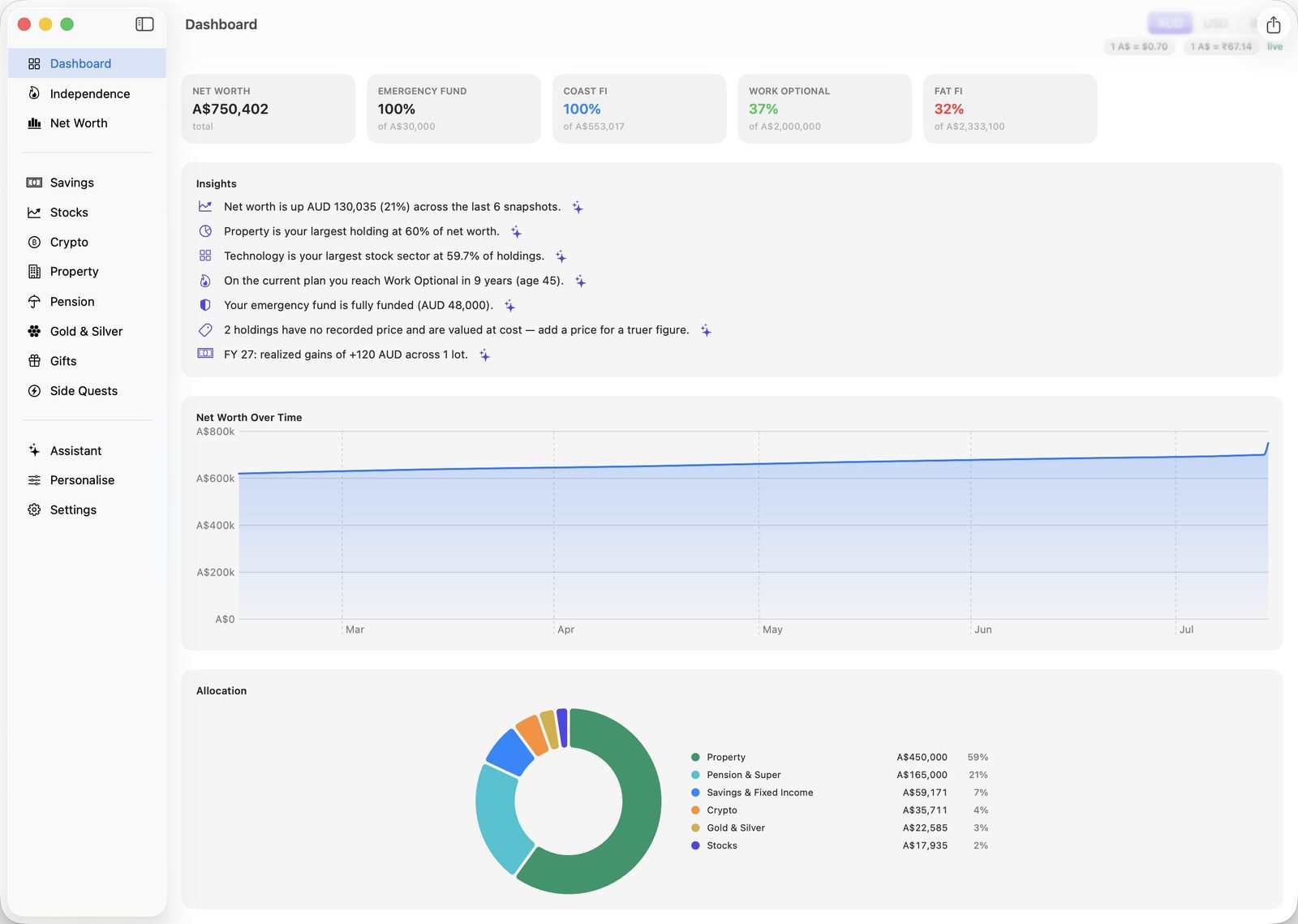
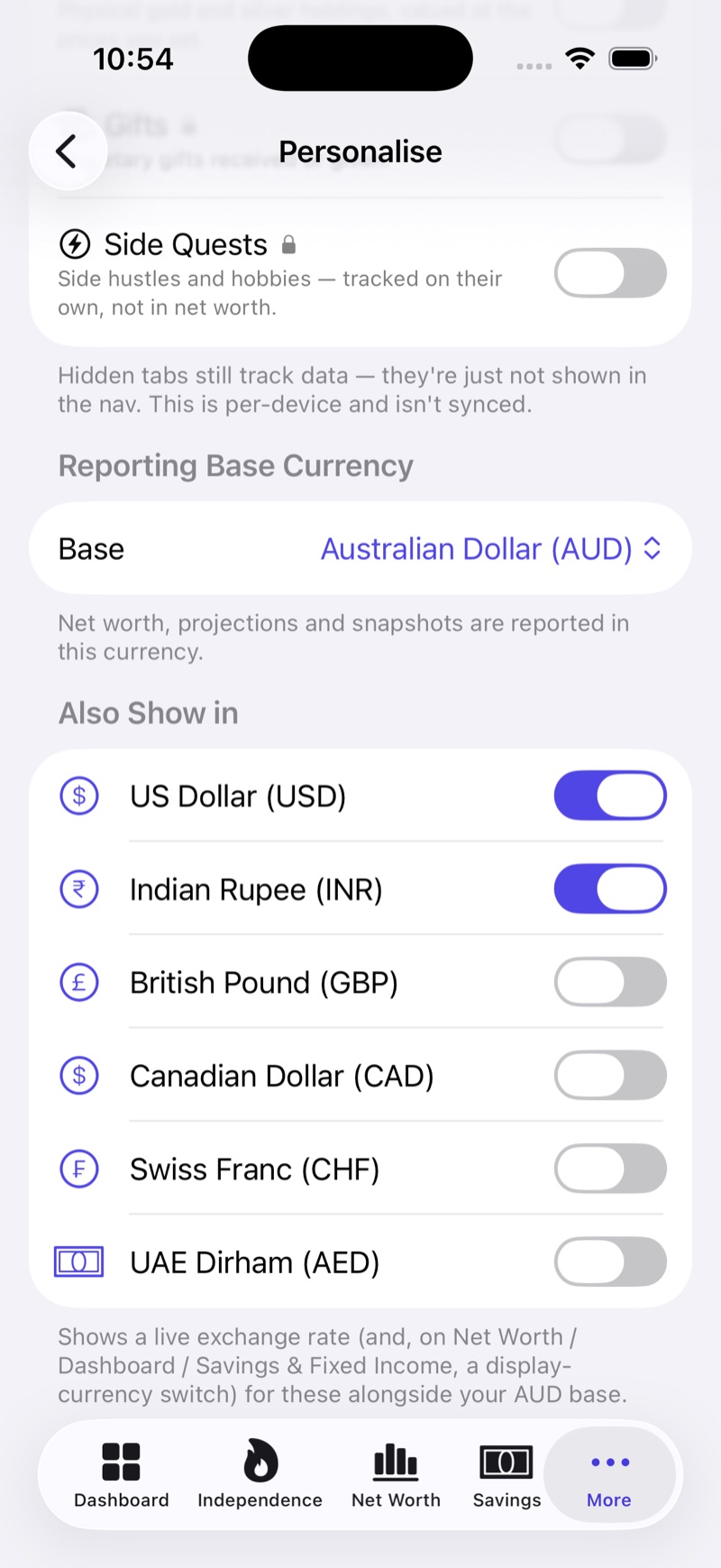
Pick the currency everything reports in, then choose which others to show alongside it — AUD, USD, INR, GBP, CAD, CHF and AED, at live exchange rates. Flip the whole dashboard between them without touching a single figure you entered. Gains and disposals are summarised against the right financial year for the country, not just January to December: Jul–Jun for Australia, Apr–Mar for India, 6 Apr–5 Apr for the UK.
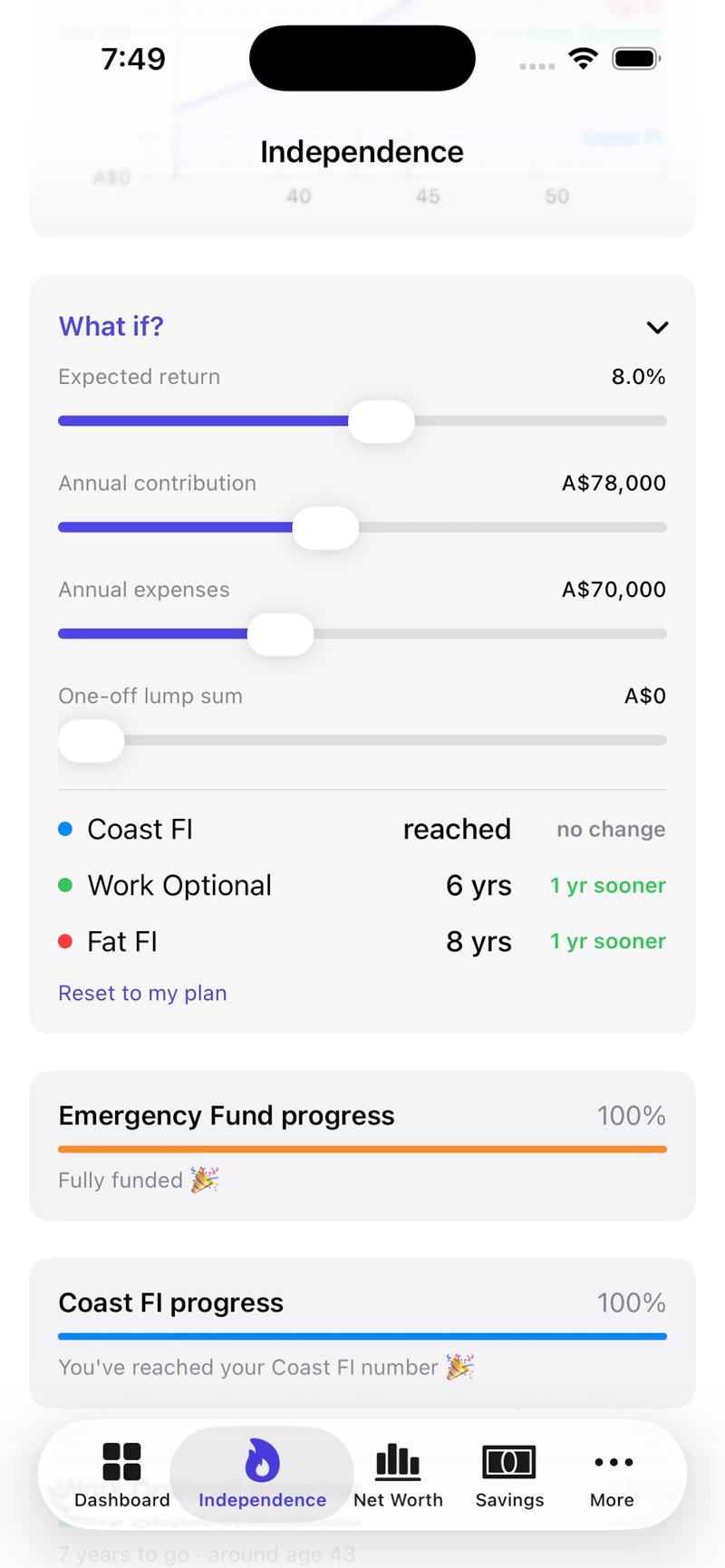
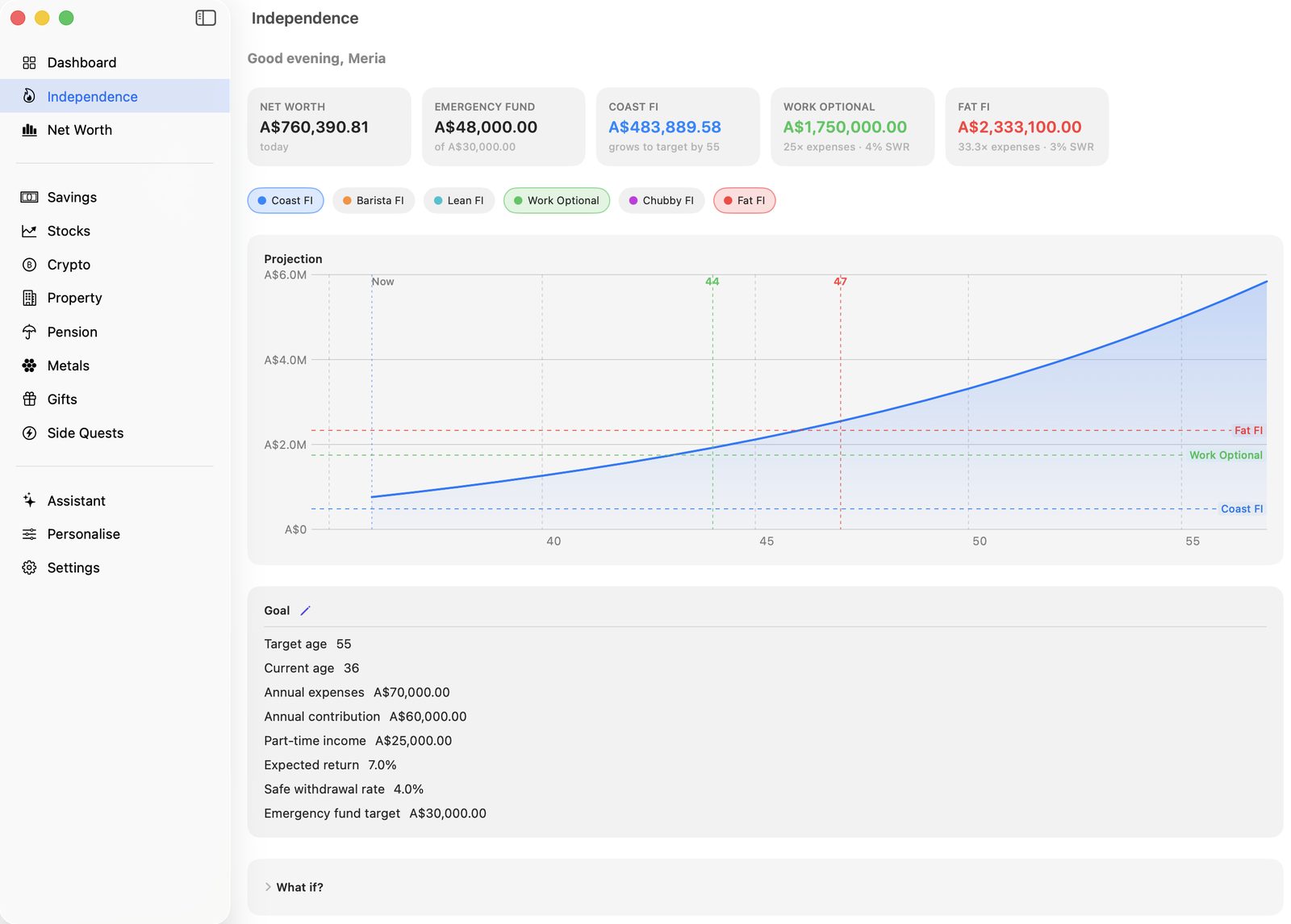
Haven tracks six milestones at once — Coast, Barista, Lean, Work Optional, Chubby and Fat FI — and tells you how many years you are from each. Move a slider for expected return, contributions, or spending, or drop in a one-off lump sum, and watch the dates shift in real time. Your emergency fund is tracked right alongside them.
Savings, stocks, managed and mutual funds, crypto, property, superannuation, pension, gold and silver, side income, even gifts — each held in its own currency and rolled into a single figure at live exchange rates. Your home or an SMSF property can sit outside the total if that's how you think about it. Stock holdings split by sector, not just by ticker. Snapshots record where you stood, so the growth you see is real and not a guess.
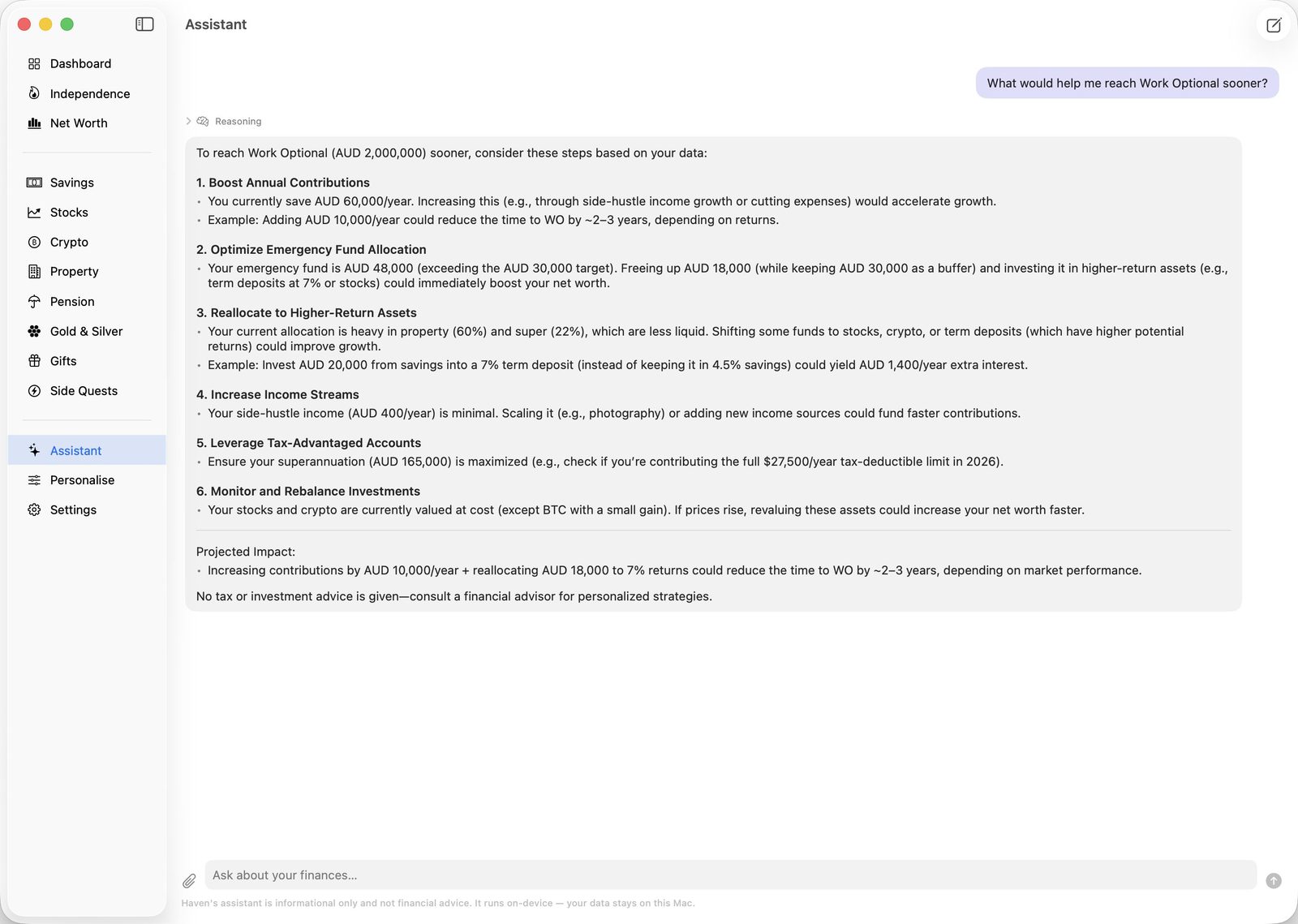
The assistant reads your actual numbers and answers in plain language — what is slowing you down, where your money is concentrated, what a change would buy you. It runs on-device. Nothing is uploaded, because there is nowhere for it to go. Prefer a different AI? Export a redactable financial brief and paste it wherever you like, on your terms.
Mac only for now — the assistant needs a locally-downloaded model.
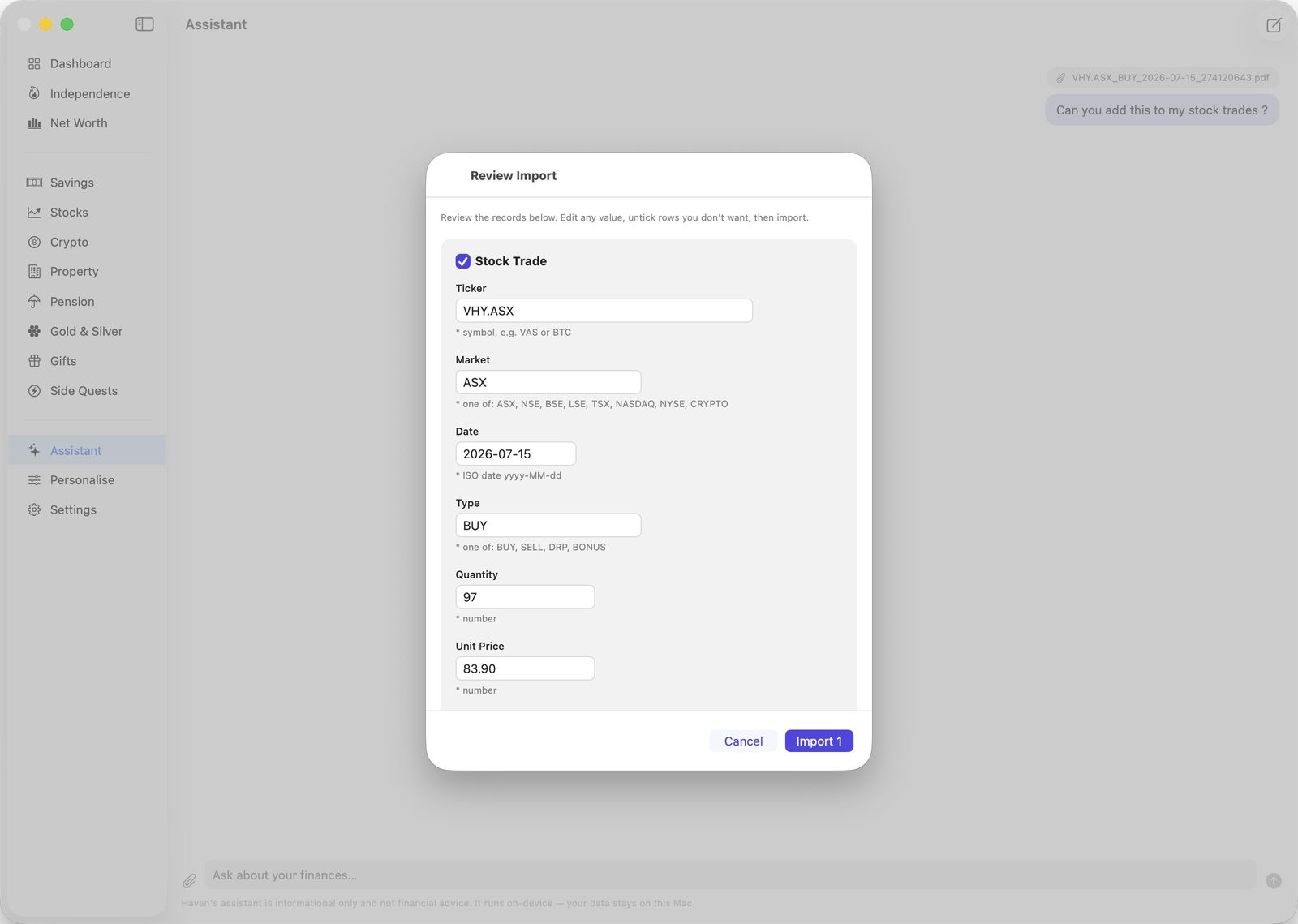
Attach a contract note, a screenshot, a CSV, or paste the text straight in — the on-device AI assistant reads it and fills out the right record, whether that is a stock trade, a savings balance, a property expense, or a gift. Nothing is saved until you have looked at it: every field stays editable, any row can be unticked, and when something genuinely is not in the document it asks you rather than inventing a value.
Reading documents is Mac only for now. Plain CSV import — and CSV export of every table — works on iPhone, iPad, and Mac.
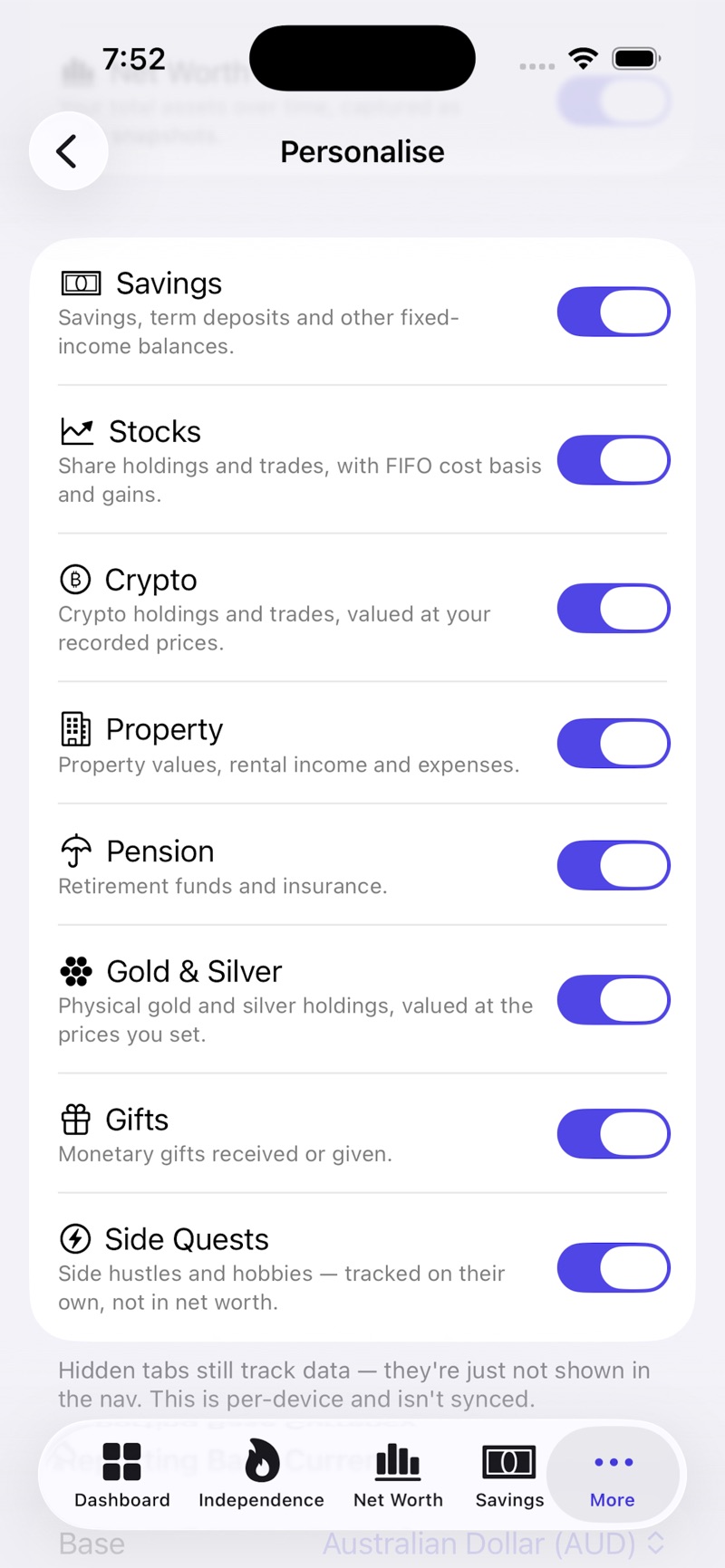
No crypto? No property? Switch those sections off and they disappear from the navigation — the data stays, the clutter goes. Per-device, so your Mac and your phone can show different things.
Buy Haven once and it works on iPhone, iPad, and Mac — the same data, synced through your own iCloud account.
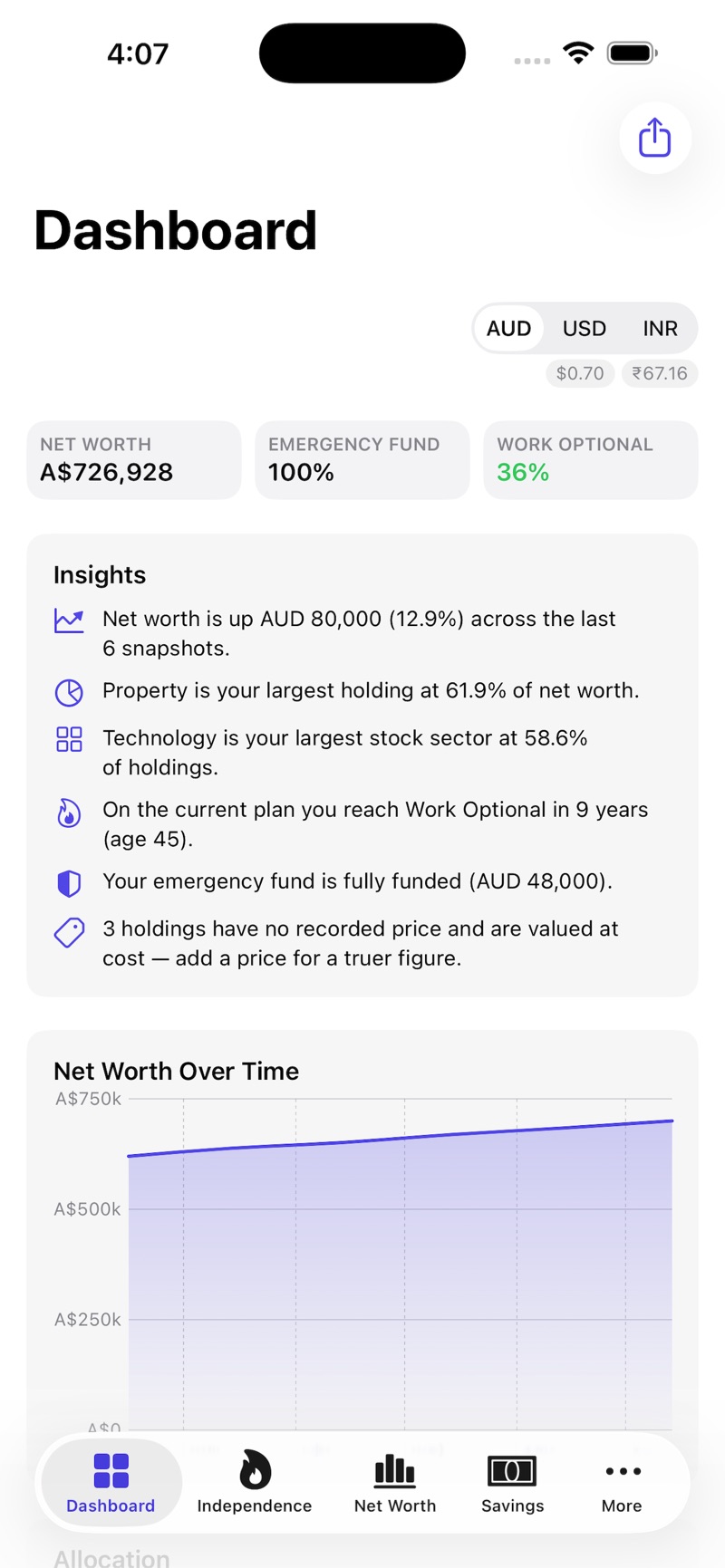
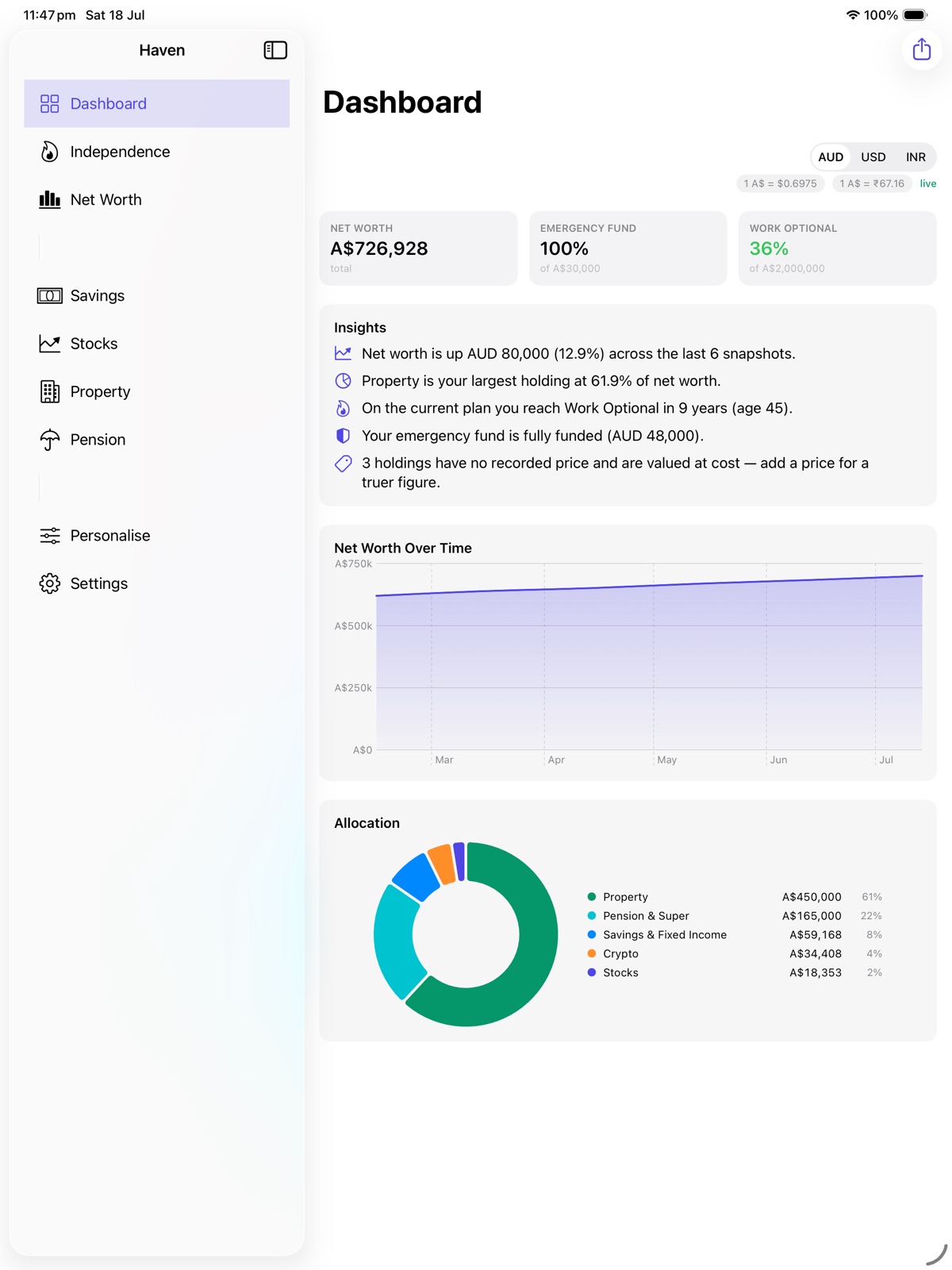
Everything you enter stays on your device by default, syncing automatically through your own private iCloud account if you're signed into iCloud — we never see it.
No. Haven is a net worth tracker with no bank linking: drop in a contract note, screenshot or CSV and the on-device AI assistant fills out the record for you to check (Mac), enter balances by hand, or opt in to specific live price fetches — connecting a bank account is never required.
Seven: AUD, USD, INR, GBP, CAD, CHF and AED. Pick the one everything reports in, then choose which of the others to show alongside it at live exchange rates.
Free to download, with a one-time in-app purchase of A$19.99 to unlock full access — no subscription, ever. One purchase covers iPhone, iPad, and Mac.
Haven isn't a budgeting app — it won't categorize transactions or track daily spending. It doesn't do bank sync or automatic transaction imports. It's a net worth and financial independence tracker for Mac, iPhone, and iPad: on Mac, drop in the paperwork and let the on-device AI assistant fill out the record; on any device, import a CSV or type it in yourself — then it shows you where you stand and how long until you're free.
More questions? See Support.